640+ soft swaps
Four word lists: 🍼 Baby words, 🙊 Oopsie words, 🍯 Swear jar and 🎀 Little space. Plus ✨ Sparkles for uwu and :3, and 🐣 Tiny grammar for toddler slip-ups like “I goed”.
Babblefy swaps the words you type for babier ones, in every app on your phone. It's littlespace for your keyboard, and you decide how much.
hello, how are you doing? having a good day I hope?
hewwo, how awe yuh doin ( • ω • )? habin a goodie good day Me hope >w<?
// real output at Medium, with Sparkles and Tiny grammar switched on
Four word lists: 🍼 Baby words, 🙊 Oopsie words, 🍯 Swear jar and 🎀 Little space. Plus ✨ Sparkles for uwu and :3, and 🐣 Tiny grammar for toddler slip-ups like “I goed”.
Set it to Off, Mild, Medium or Extreme. Above Off, Babblefy babyfies words that aren't on your list too. Mild is gentle; Extreme goes all out.
There's a main on/off switch, a switch for each category, and one for every single word. You can add your own words too, and use the Shield to keep Babblefy out of specific apps.
It works across your whole phone through Android's accessibility service, and it's careful not to jump your cursor around or trip over its own changes.
Add the Babblefy tile to your Quick Settings and put it down for a nap with one tap, without opening the app.
Babblefy follows your phone's light or dark setting. Flip the screenshots below to see both.
Install and allow. Turn on the accessibility permission so Babblefy can see what you type and swap words. Here's what that permission means.
Pick your flavors. Choose your categories, set the level, and tweak any words you want. You can test it all in the practice box first.
Type anywhere. Your words get softer in chats, notes, posts, and everywhere else.
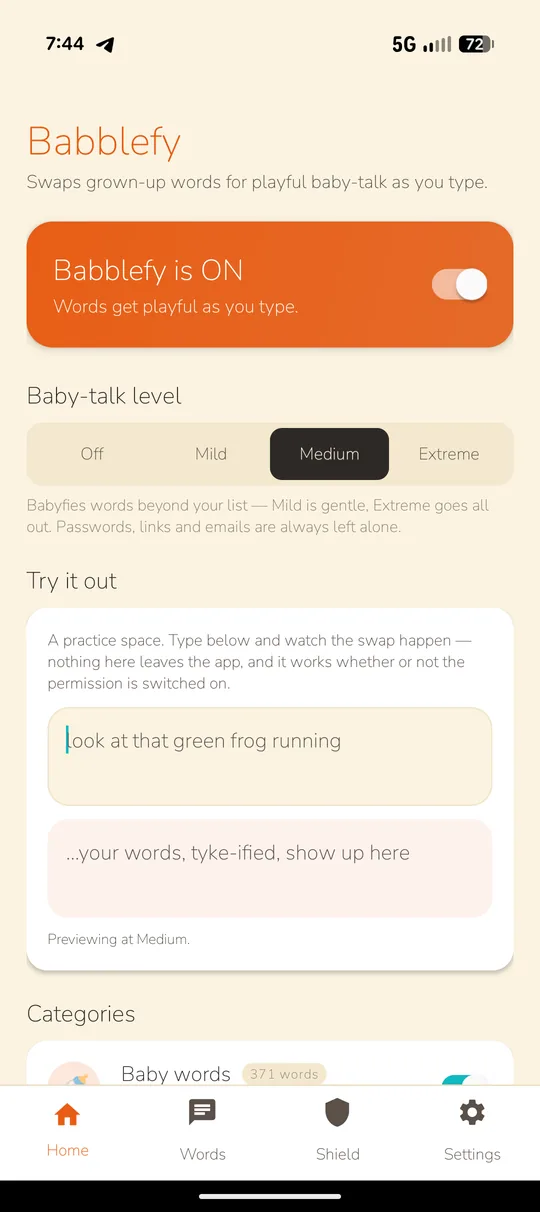
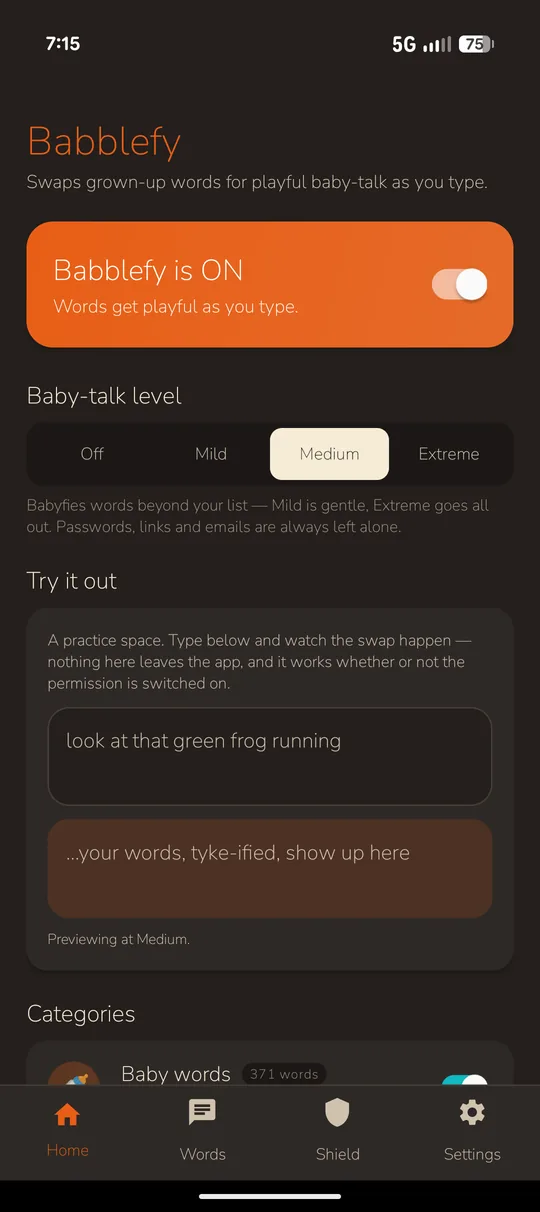
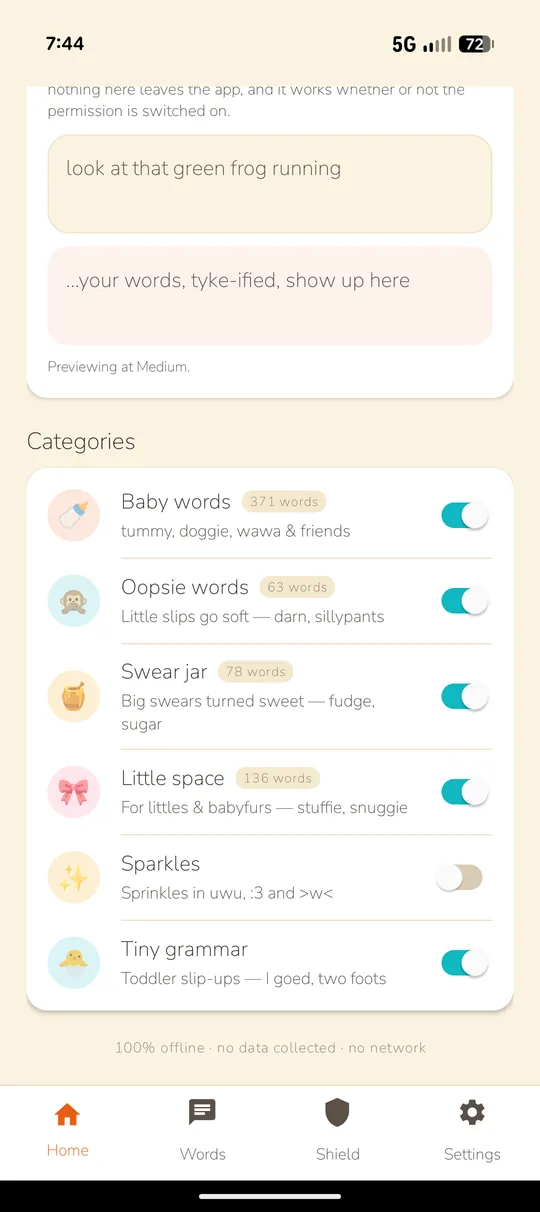
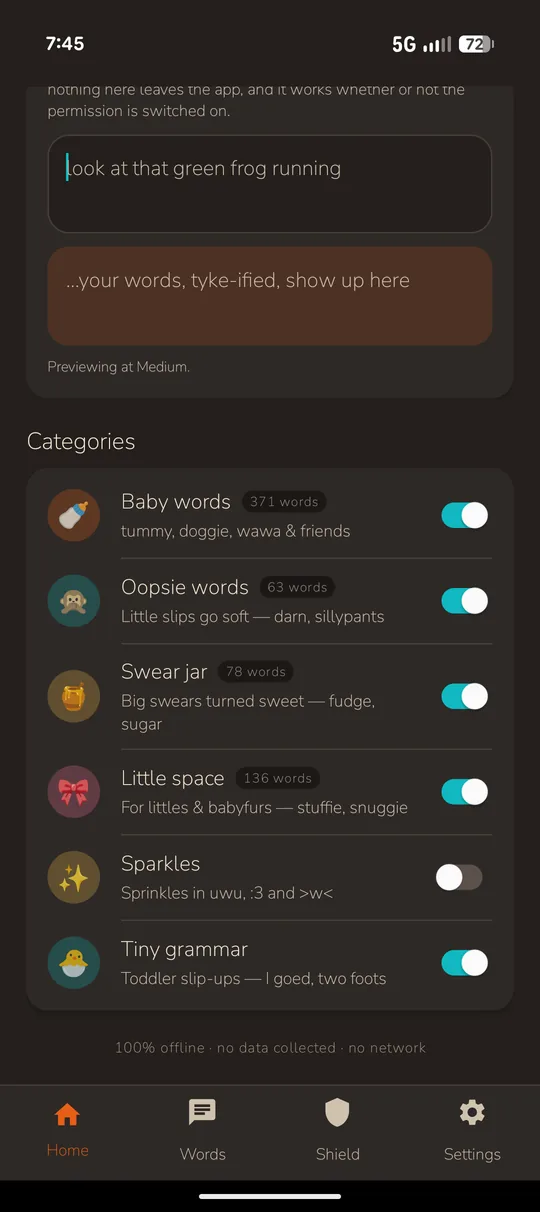
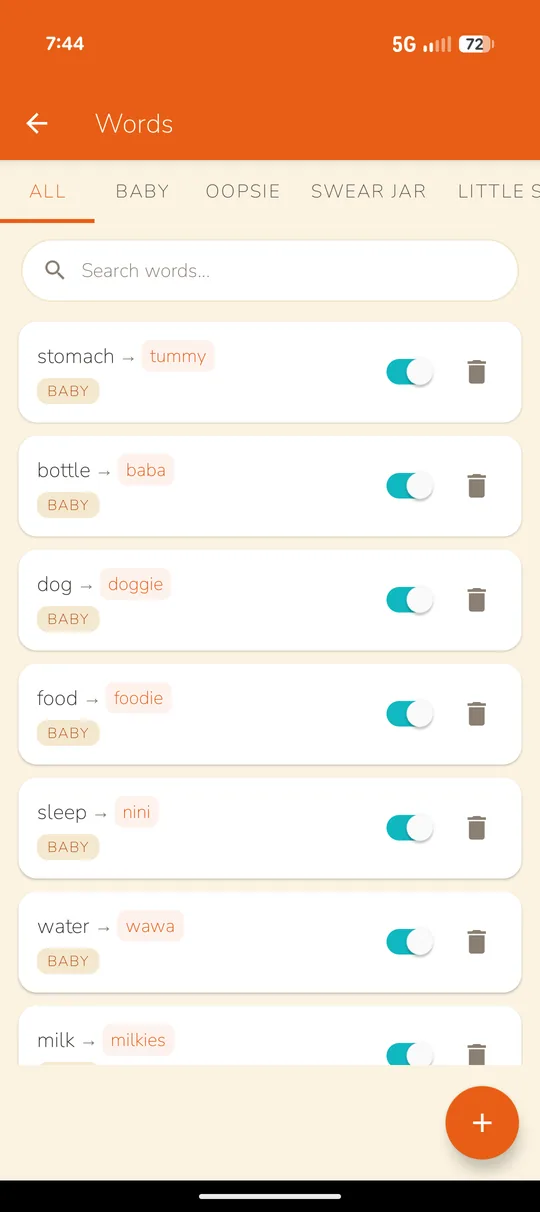
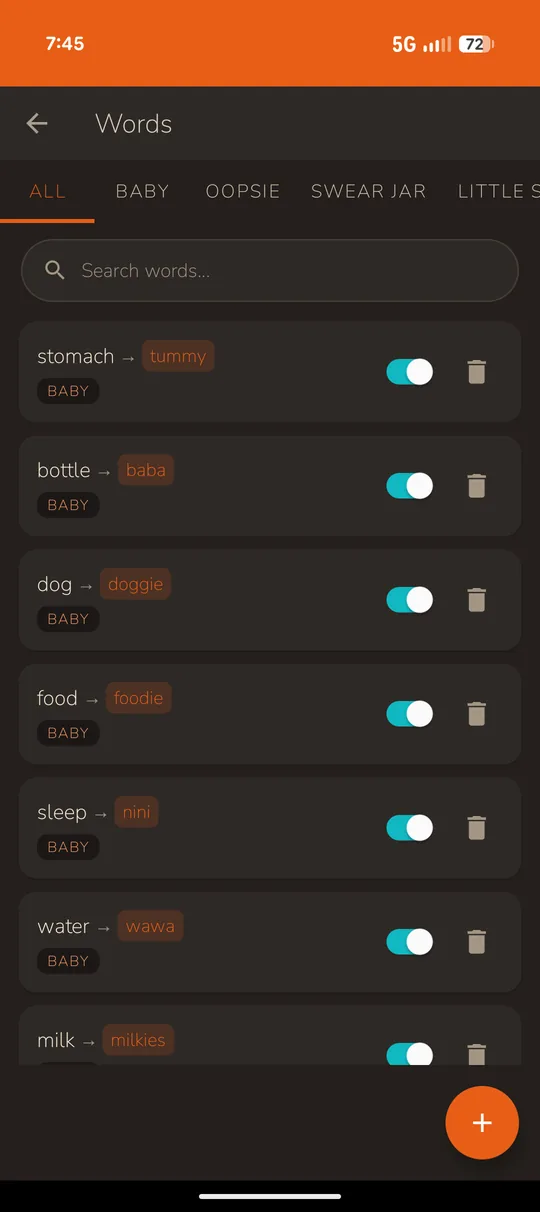
// screenshots from Babblefy 1.9
Babblefy uses Android's accessibility permission. That's a big permission to give an app, because it lets the app see what you type. So here's what Babblefy actually does with it.
Babblefy doesn't have Android's internet permission, so it can't send anything anywhere. There are no accounts, no analytics, and no crash reports.
It swaps words as you type, and that's it. Nothing you write gets saved or logged.
Babblefy only saves your switches, your level, and any words you've added. They're stored on your phone.
Password fields and other sensitive inputs are skipped on purpose. Links and email addresses are always left alone too.
Pick the apps where Babblefy should never swap anything, like your bank or work apps.
One switch turns Babblefy off. You can uninstall it like any other app, and everything it saved is removed along with it.
// based on Babblefy 1.9 · if anything changes in an update, I'll update this section
Where it's at: Babblefy is out! Thank you to everyone who tested it. New versions show up on this page.
// android only for now · for adults 18+
It's free, right here. No app store, no account, nothing to sign up for.
When a new version comes out, download it again and install it over the top. Your words and settings stay. There's no mailing list, so check back here every so often.
// questions? hello@pouncebytz.com